CAT ET 2026 Diagnostic Software: Your Complete Guide to Diagnostic Solutions
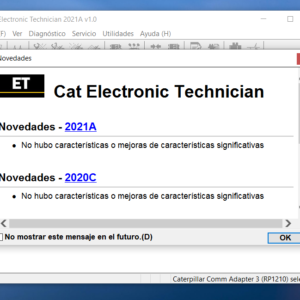
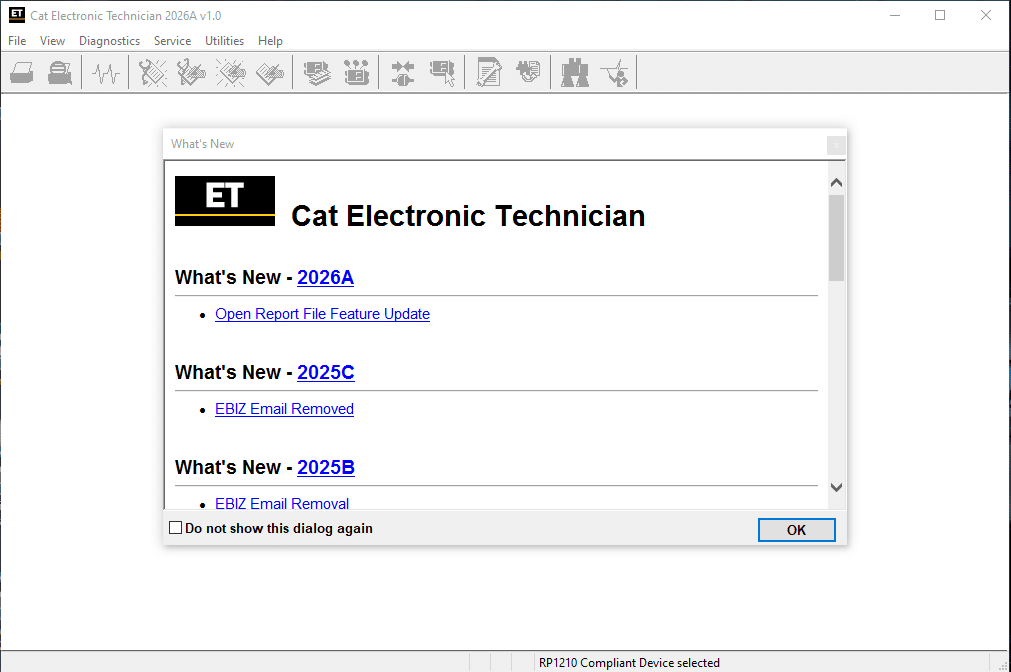
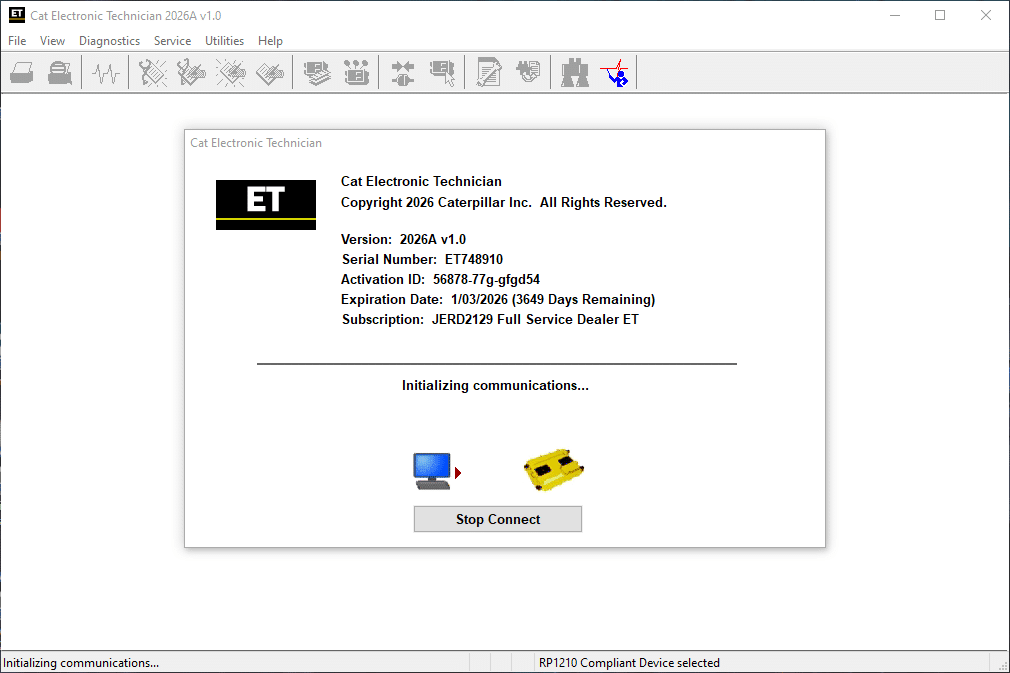
CAT ET 2026 Diagnostic Software is an essential tool for technicians working on Caterpillar equipment. It offers advanced capabilities for diagnosing and troubleshooting heavy machinery and trucks. This software provides features such as real-time data monitoring and diagnostic reporting. Installation is straightforward and can be done remotely using TeamViewer.
Features and Core Functions
The CAT ET 2026 Diagnostic Software incorporates a range of essential features that enhance the diagnostic process for heavy machinery and trucks. Its robust capabilities ensure accurate and efficient troubleshooting.
Reading and Clearing Diagnostic Trouble Codes
This software enables technicians to efficiently read and clear Diagnostic Trouble Codes (DTCs). Identifying issues quickly allows for prompt action, reducing equipment downtime.
Real-Time Data Monitoring and Analysis
Real-time data access is crucial for operational efficiency. The software monitors vital parameters, such as RPM and temperature, assisting technicians in making informed decisions during diagnostics.
Component Testing and Electronic Control Adjustments
Component testing features allow technicians to diagnose specific parts, such as sensors and actuators. Electronic control adjustments optimize the performance of machinery through precise calibrations.
Calibration and Software Updates for ECM Systems
With the option for calibration and software updates, the CAT ET 2026 ensures that Electronic Control Modules are running the latest firmware, enhancing system reliability and efficiency.
Maintenance Scheduling and Service Reminders
This software features tools for scheduling maintenance and providing service reminders, ensuring that equipment is regularly serviced and reducing the risk of unexpected failures.
Performance Monitoring and Fuel Consumption Reporting
The performance monitoring functionalities generate insights on fuel consumption, helping to track efficiency and identify areas for improvement.
Data Logging and Generation of Diagnostic Reports
Data logging capabilities allow for the recording of operational metrics over time, facilitating the generation of detailed diagnostic reports that are essential for trend analysis.
Supported Equipment and Industries
This section covers the various types of equipment and industries that the software supports, highlighting its versatility and functionality.
Construction Equipment and Heavy Machinery
Designed specifically for the world of construction, the software integrates seamlessly with various types of heavy machinery. It supports diagnostics for:
Excavators
Bulldozers
Loaders
The software enhances the efficiency of these machines, allowing technicians to perform timely maintenance and troubleshoot problems effectively.
Marine and Industrial Power Systems
In the marine sector, the software caters to numerous applications, ensuring optimal performance in demanding environments. It serves:
Marine engines
Industrial generators
This ensures reliable operation and quick resolutions to issues that may arise.
Highway Trucks and Power Generation Engines
For highway trucks, this diagnostic tool is essential for maintaining and optimizing performance. This includes support for:
Heavy-duty trucks
Power generation equipment
These systems benefit from precise diagnostics that help reduce downtime.
Used Equipment and Cat Rental Compatibility
The software’s flexibility extends to used machinery and Cat rental units, making it a perfect choice for diverse operational needs.
Integration with Cat Parts and Electronic Technician Tools
It also integrates well with Cat parts and other Electronic Technician tools, enhancing the overall diagnostic capabilities available to technicians.
System Requirements and Installation Process
Understanding the system requirements and installation process is crucial for effectively using this diagnostic software. Below are the key aspects necessary for setup.
Compatible Operating Systems and Hardware Needs
The software operates on Windows 10 and Windows 11 (64-bit only). A compatible PC with adequate hardware resources is essential for optimal performance.
Essential Communication Adapters and Protocols
Utilizing appropriate communication adapters is necessary for effective connectivity. Common adapters include:
CAT CA3
Nexiq
Noregon
Downloading the Software and File Management
The software is available for download after purchase. A minimum of 1.7 GB of disk space is required for installation. Proper file management practices ensure easy access during installation.
Remote Installation via TeamViewer and Support Services
Installation can be performed remotely using TeamViewer or similar tools. This allows technicians to assist users without physical presence, ensuring a smooth setup process.
Activation Codes and Configuration Steps
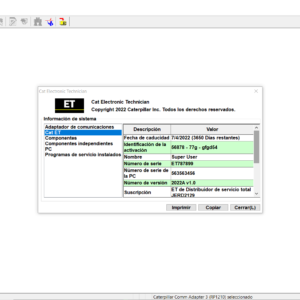
Upon purchasing, users receive an activation code. This code is essential for enabling the software. Following the configuration instructions provided during installation is crucial for proper functionality.
Benefits and Operational Advantages
The advantages of utilizing advanced diagnostic software are evident in various operational facets, enhancing overall productivity and reducing costs.
Improving Technician Efficiency and Diagnostic Accuracy
With robust diagnostic capabilities, technicians can pinpoint issues more quickly and accurately. This efficiency minimizes the time spent troubleshooting and allows for a more effective repair process.
Reducing Equipment Downtime and Service Costs
Utilizing diagnostic software helps in identifying problems before they escalate. By addressing issues proactively, equipment downtime is significantly reduced, leading to lower service costs and better resource allocation.
Enhancing Equipment Performance Through Parameter Adjustments
Fine-tuning machine settings enhances performance. The software enables precise adjustments to parameters, ensuring machines operate at optimal levels tailored to specific tasks.
Access to Dealer-Level Diagnostic Solutions
Technicians gain insights typically exclusive to dealer-level diagnostics. This level of access allows for deeper analysis and more informed decision-making regarding repairs and maintenance.
Long-Term Value Through Data-Driven Maintenance
Collecting and analyzing operational data leads to informed maintenance strategies. This data-driven approach not only increases equipment lifespan but also supports strategic planning for future investments.
Purchase Options and Customer Support
When considering the acquisition of diagnostic software, there are various options available for purchase and comprehensive support to ensure a seamless experience.
Authorized Vendors and Pricing Details
Software can be acquired through authorized vendors that provide competitive pricing. The current cost for the software is set at an affordable rate, allowing for efficient budgeting in maintenance operations.
Instant Download and Digital Licensing
Upon purchase, users can enjoy the benefit of instant download capabilities. The digital licensing system ensures that users receive the necessary activation codes promptly, allowing for immediate installation.
Ongoing Software Updates and Upgrade Paths
To keep the software functioning at optimal levels, ongoing updates are provided. Users are informed about available upgrade paths, ensuring access to the latest features and improvements.
Support Channels for Installation and Troubleshooting
Dedicated support channels are available to assist users during installation and troubleshooting processes. Professional help ensures that users can navigate any challenges efficiently, utilizing remote assistance if needed.
Training Resources for Technicians and Operators
Training resources are offered for technicians and operators, enhancing their skills and knowledge of the software. These resources are designed to empower users, fostering effective utilization and maintenance practices.



![International Truck ISIS - Oncommand Service Information Q4.2020 [04.2020]](https://www.ecuforcetruck.com/wp-content/uploads/2022/01/OnCommand-2020-1-300x300.png)