John Deere Service Advisor 5.4.44 2025 AG CF Nexiq USB Link 3 Compatible: Key Features and Benefits
John Deere Service Advisor 5.4.44 2025 is a diagnostic software designed for agricultural and construction equipment. It provides advanced tools for troubleshooting and maintenance, ensuring efficient operations for technicians. The software is compatible with Nexiq USB Link 3, allowing seamless connectivity for diagnostics. Users can access updated databases, repair manuals, and programming features, making it essential for heavy machinery and truck maintenance.
Features and Compatibility of John Deere Service Advisor 5.4.44 2025
The John Deere Service Advisor 5.4.44 2025 offers a comprehensive set of features ensuring high compatibility with various equipment, specifically tailored for the agricultural and construction sectors.
Key Functionalities for Agricultural and Construction Equipment
This software excels in diagnostics and repairs, providing a range of functionalities that enhance maintenance efficiency. Key features include:
- Advanced diagnostic tools for quick identification of mechanical and electronic issues.
- Access to a database of technical assistance cases, enabling quick solutions based on previous scenarios.
- Integrated manuals and wiring diagrams, which facilitate the repair and servicing of equipment.
- Real-time data retrieval for immediate troubleshooting, which minimizes equipment downtime.
Nexiq USB Link 3 Interface and Connectivity Options
The Nexiq USB Link 3 serves as an essential interface, enhancing connectivity between diagnostic software and equipment. Connectivity options include:
- Bluetooth® 5.0 for wireless communication, ensuring minimal disruption during diagnostics.
- USB 2.0 for direct wired connections, providing reliable data transfer rates.
- Wi-Fi (802.11 a/b/g/n Dual band) for versatility in various working environments.
Supported Vehicle and Machine Models
This software is compatible with a wide range of John Deere machinery, ensuring comprehensive coverage for users. Supported models include:
- Tractors, including series from various years and horsepower ratings.
- Excavators and skid steers, suitable for construction applications.
- Row-crop, utility, and industrial equipment focused on efficiency and performance.
Software Version Updates and Database Enhancements
Continuous improvements are crucial for maintaining effectiveness. Version updates offer:
- Access to the latest machine specifications and troubleshooting strategies.
- Installation of updated drivers and system enhancements for optimal performance.
- Regular updates to the database, ensuring users have the most accurate and extensive information.
Installation and Activation Process
The installation and activation of John Deere Service Advisor 5.4.44 is a crucial step to ensure the software operates effectively on compatible devices. Following the right procedures is essential for optimal performance.
System Requirements for Optimal Performance
To successfully install John Deere Service Advisor, certain system specifications must be met. Ensuring that these requirements are fulfilled guarantees smoother operation and functionality.
- Operating System: Windows 10 or 11 PRO (64-bit)
- Processor: Intel Core i5 or higher
- RAM: A minimum of 8 GB
- Storage: At least 900 GB of free disk space or an SSD
- Web Browsers: Recommended browsers include Google Chrome, Microsoft Edge, and Mozilla Firefox for accessing online features.
Remote Installation Procedures Using TeamViewer
Installation is performed remotely using TeamViewer, ensuring that the setup process is efficient. This method allows for direct assistance from support personnel, minimizing errors during installation.
- Download TeamViewer from the official site prior to the installation.
- Prepare the license key received upon purchase for activation during the session.
- Initiate a TeamViewer session with the support team for step-by-step guidance.
Troubleshooting Common Installation Issues
Occasionally, issues may arise during installation. Identifying and resolving these promptly ensures that the software can be utilized without long delays.
- Ensure your system meets all specified requirements before installation.
- Verify that TeamViewer is functioning correctly to facilitate remote support.
- If the installation fails, be prepared to check for any conflicts with antivirus software that might block the process.
Diagnostic and Repair Tools Overview
The Diagnostic and Repair Tools available with John Deere Service Advisor 5.4.44 offer an extensive toolkit for technicians working with agricultural and construction machinery. These tools are essential for efficient maintenance, ensuring that machines operate at peak performance.
Advanced Diagnostics for John Deere Machines
Advanced diagnostics capabilities optimize the identification of issues in John Deere equipment. This software allows technicians to perform comprehensive analyses of the machinery, using real-time data to detect faults more accurately and swiftly. It harnesses extensive databases to facilitate efficient troubleshooting, significantly reducing downtime.
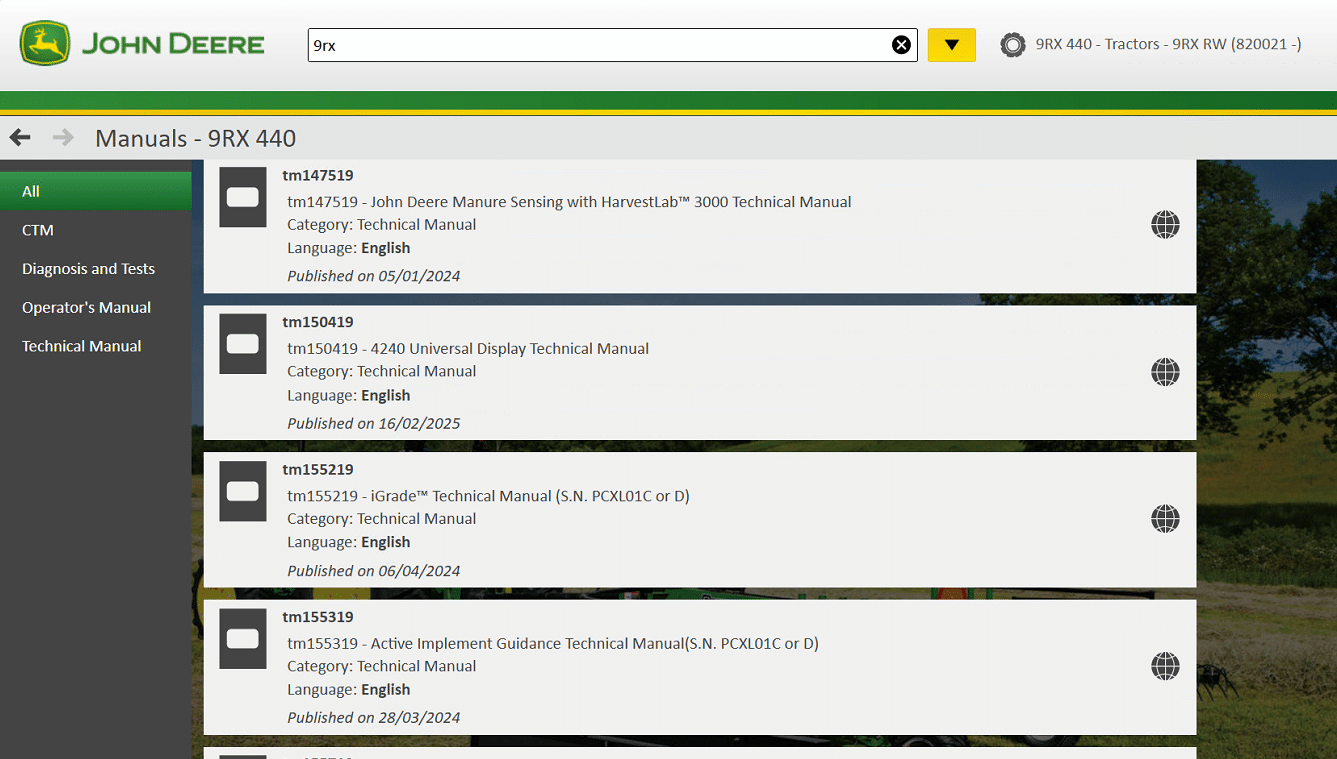
Access to Repair Manuals and Technical Documentation
Repair manuals and technical documentation are integral features that support technician workflows. These resources provide critical information, including schematics and component diagrams, which are crucial for making informed repair decisions. Accessing detailed documents accelerates the repair process and enhances overall efficiency on-site.
Programming and Reprogramming of Control Units
This software includes functionalities for programming and reprogramming Electronic Control Units (ECUs). Such capabilities allow technicians to update settings or rectify issues programmatically, enhancing machine functionality. This feature is vital for maintaining operational integrity in modern machinery.
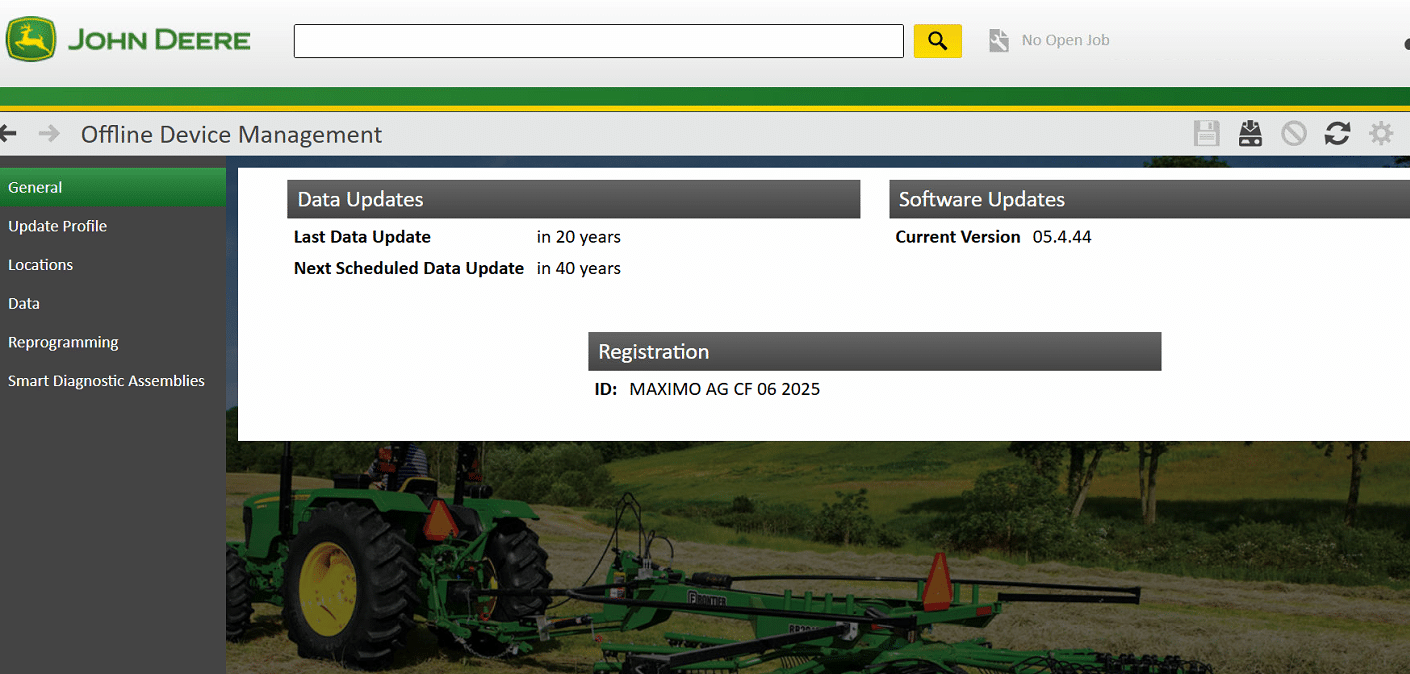
Offline Mode Capabilities for Field Service
The offline mode feature ensures that diagnostic tools remain accessible in areas with limited internet connectivity. Technicians can access necessary information and perform diagnostics without being reliant on an internet connection, which is particularly useful in remote or rural settings where connectivity may be compromised.
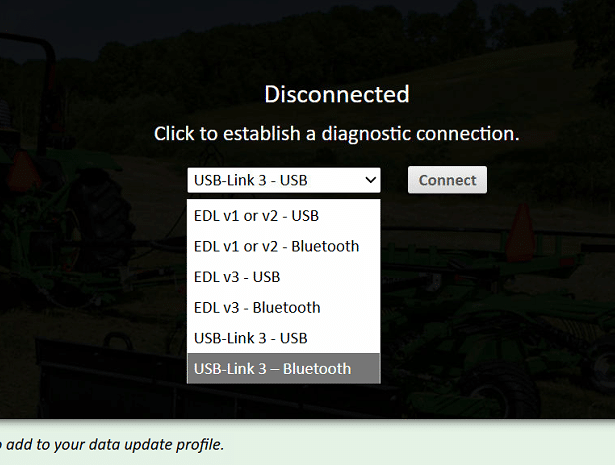
Use of USB and Wireless Interfaces for Diagnostics
Integration with USB and wireless interfaces enhances the diagnostic workflow. The use of devices like Nexiq USB Link 3 enables seamless connectivity with John Deere machines, supporting both Bluetooth and wired communications. This flexibility allows for easy data transfer and access to diagnostic information, ensuring that technicians can work efficiently under various conditions.













![DAF Davie Runtime v5.6.1 Davie XDc ll [02.2019] + Expire Fix 302.00 Unlock ( Windows 7 )](https://www.ecuforcetruck.com/wp-content/uploads/2021/09/Capture-2-300x300.png)